

-
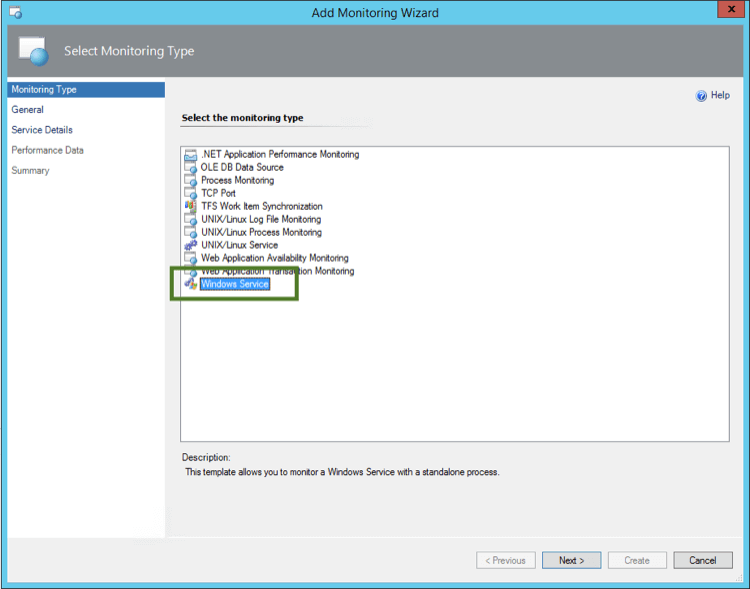
Open the Add Monitoring Wizard and select the Monitoring Type: Windows Service:
-
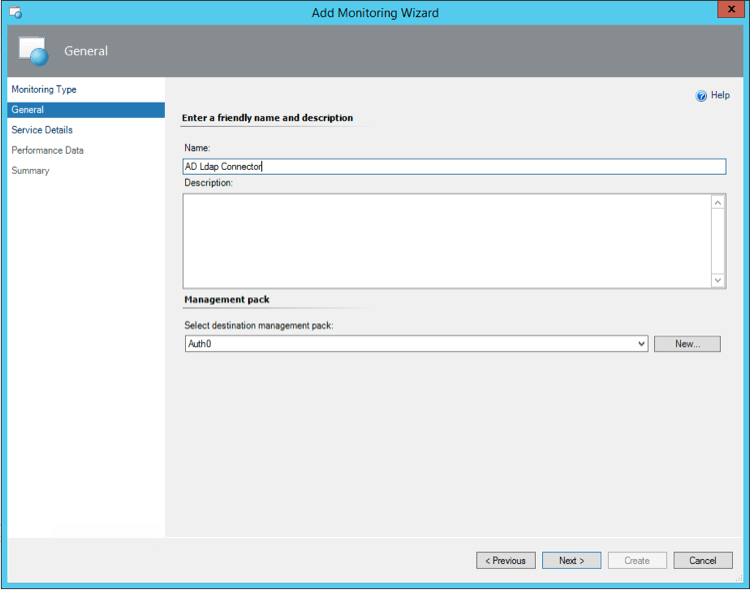
Enter a name and description:
-
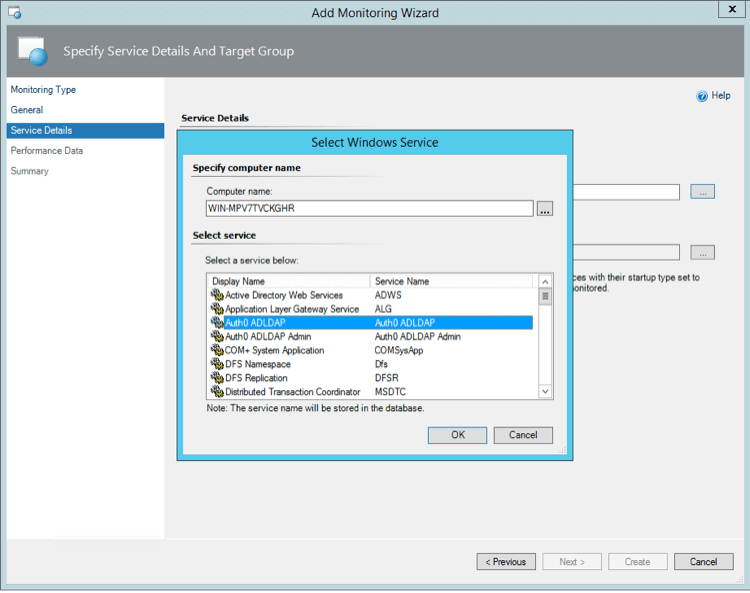
Select the Server in which the AD/LDAP Connector is installed and then choose Auth0 ADLDAP:
- Select the limits of CPU and Memory limits. For example, 10% of CPU and 200MB of RAM are good limits to trigger alerts.
Monitor AD/LDAP Connector with System Center Operations Manager
Describes how to monitor the AD/LDAP Connector with System Center Operations Manager (SCOM).
The Auth0 AD/LDAP connector can run as a service on Windows-based machines.
You can monitor the service status using System Center as you would do with any other service.