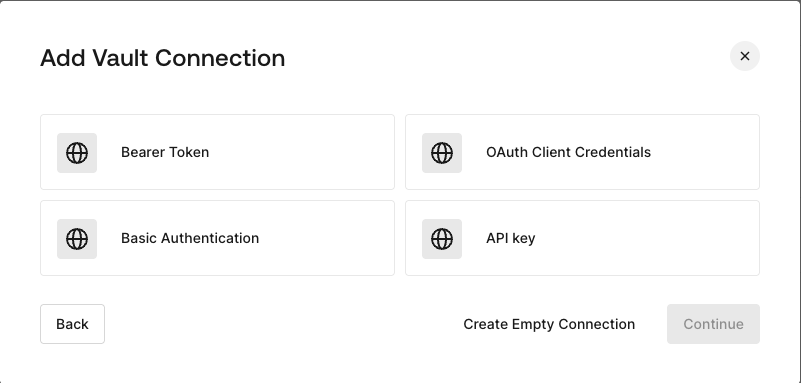
HTTP Vault Connection can be configure with different authentication options and then be used at your HTTP Request Flow Actions.
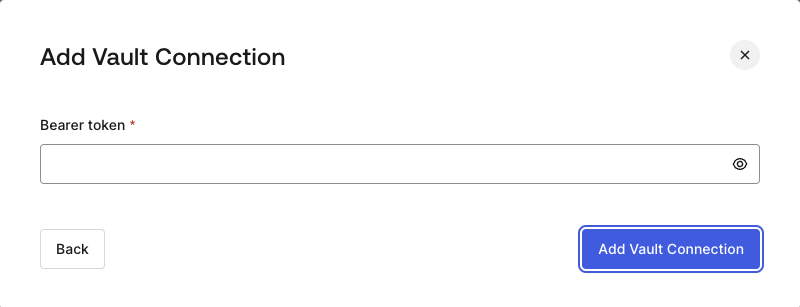
To configure a HTTP Vault Connection using Bearer Token authorization, you need to set the required parameters.
| Parameter | Description |
|---|
| Bearer Token | Static token used for external service authorization. |
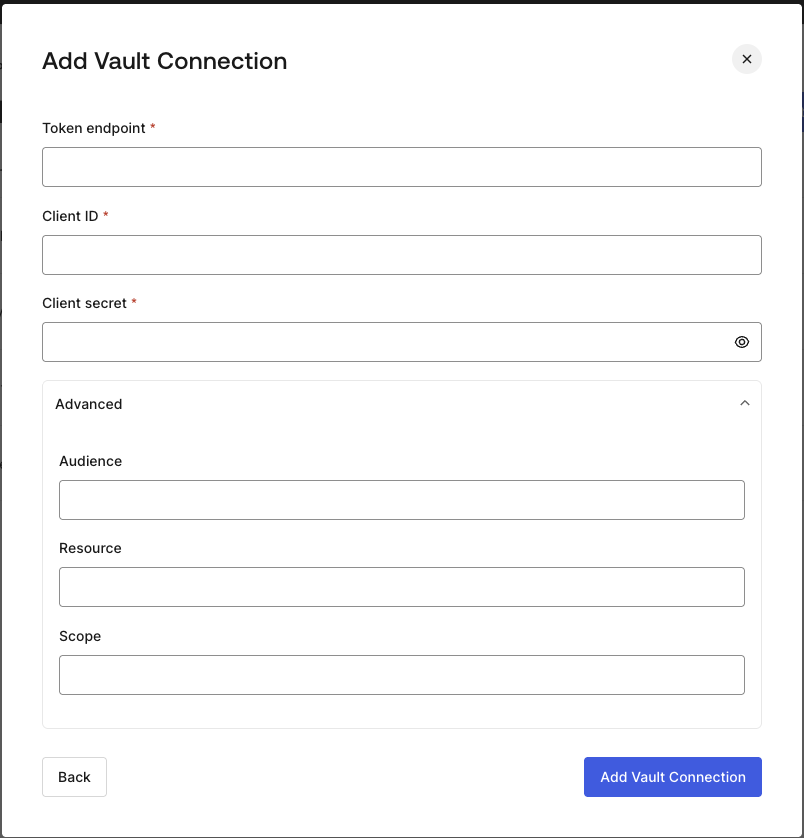
To configure a HTTP Vault Connection using Client Credentials authorization, you need to set the required parameters.
| Parameter | Description |
|---|
| Tenant Endpoint | Tenant Endpoint of the Authorization Server issuing the Access Tokens. |
| Client ID | Client ID of your M2M Application authorized for Custom API. |
| Client Secret | Client Secret of your M2M Application authorized for Custom API. |
| Audience (Optional) | Custom API Audience. Normally used for Custom APIs defined in Auth0. |
| Resource (Optional) | Custom API Resource. Standard parameter with similar meaning of Audience. |
| Scope (Optional) | Scope list in string format separated by spaces. |
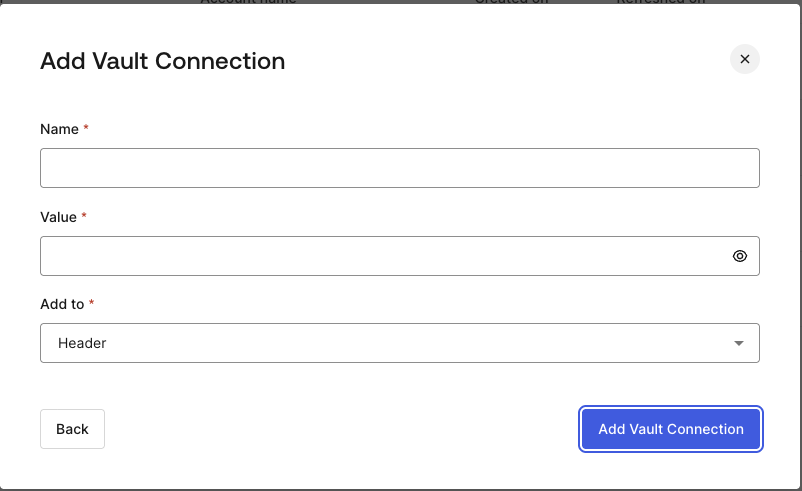
To configure a HTTP Vault Connection using API Key authorization, you need to set the required parameters.
| Parameter | Description |
|---|
| Name | API Key name to be added as Header or Query parameter. |
| Value | API Key value to be added as Header or Query parameter. |
| Add To | By default, it’s Header. Determines whether to add the API Key as Header or Query parameter. |
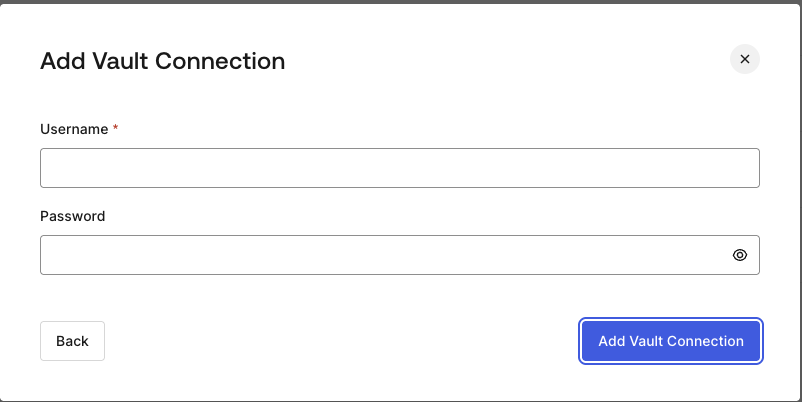
To configure a HTTP Vault Connection using Basic Auth authorization, you need to set the required parameters.
| Parameter | Description |
|---|
| Username | Username to be concatenated and base64 encoded, then added as Basic Authorization Header parameter. |
| Password | Password to be concatenated and base64 encoded, then added as Basic Authorization Header parameter. |
HTTP Vault Connection with Basic Auth configuration, is looking forward to replace the currently built-in option at Flows HTTP Request Action.