

-
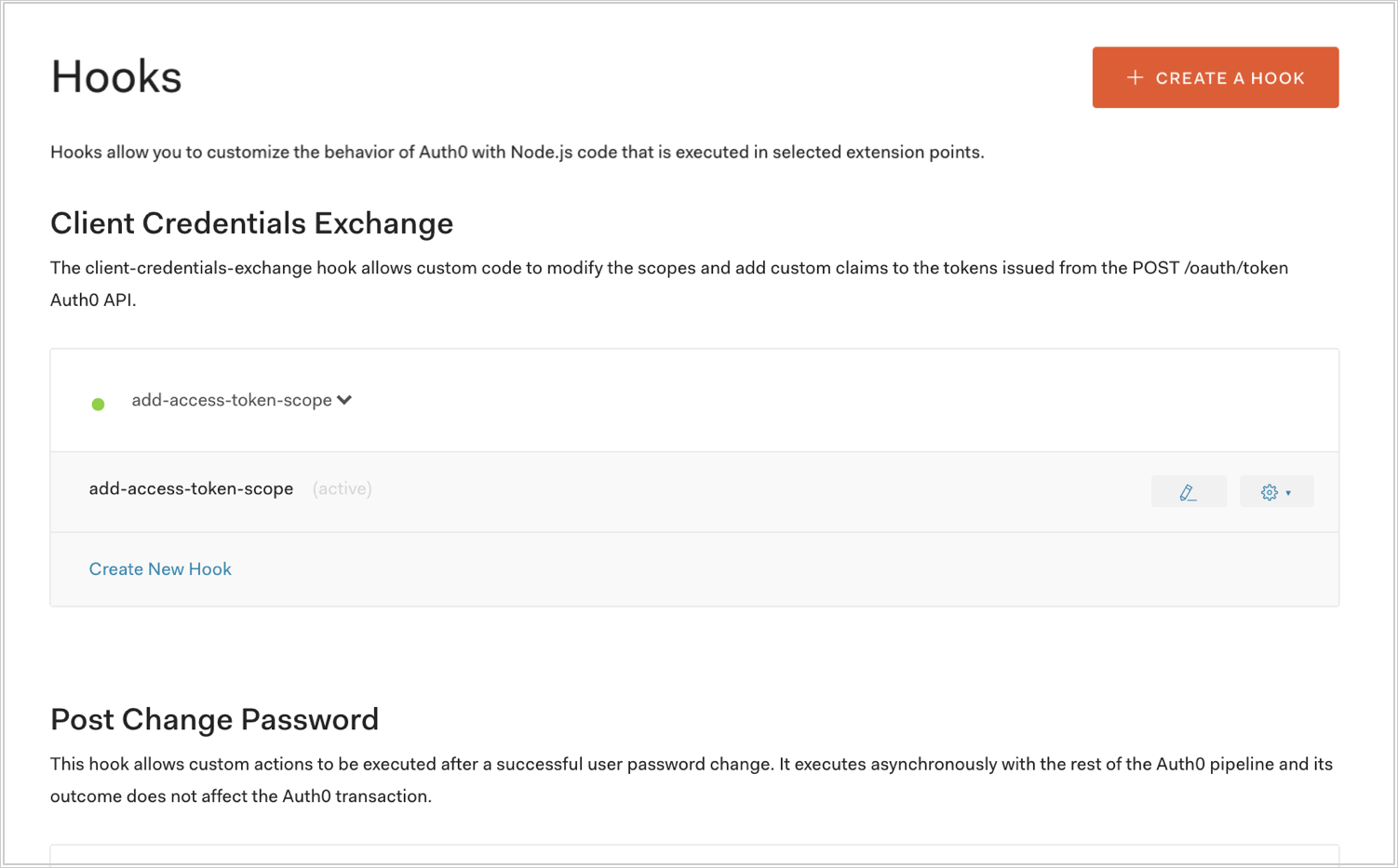
Go to Auth0 Dashboard > Auth Pipeline > Hooks and select the pencil icon next to a Hook.
-
In the top right corner of the Hooks Editor, select the logs icon.
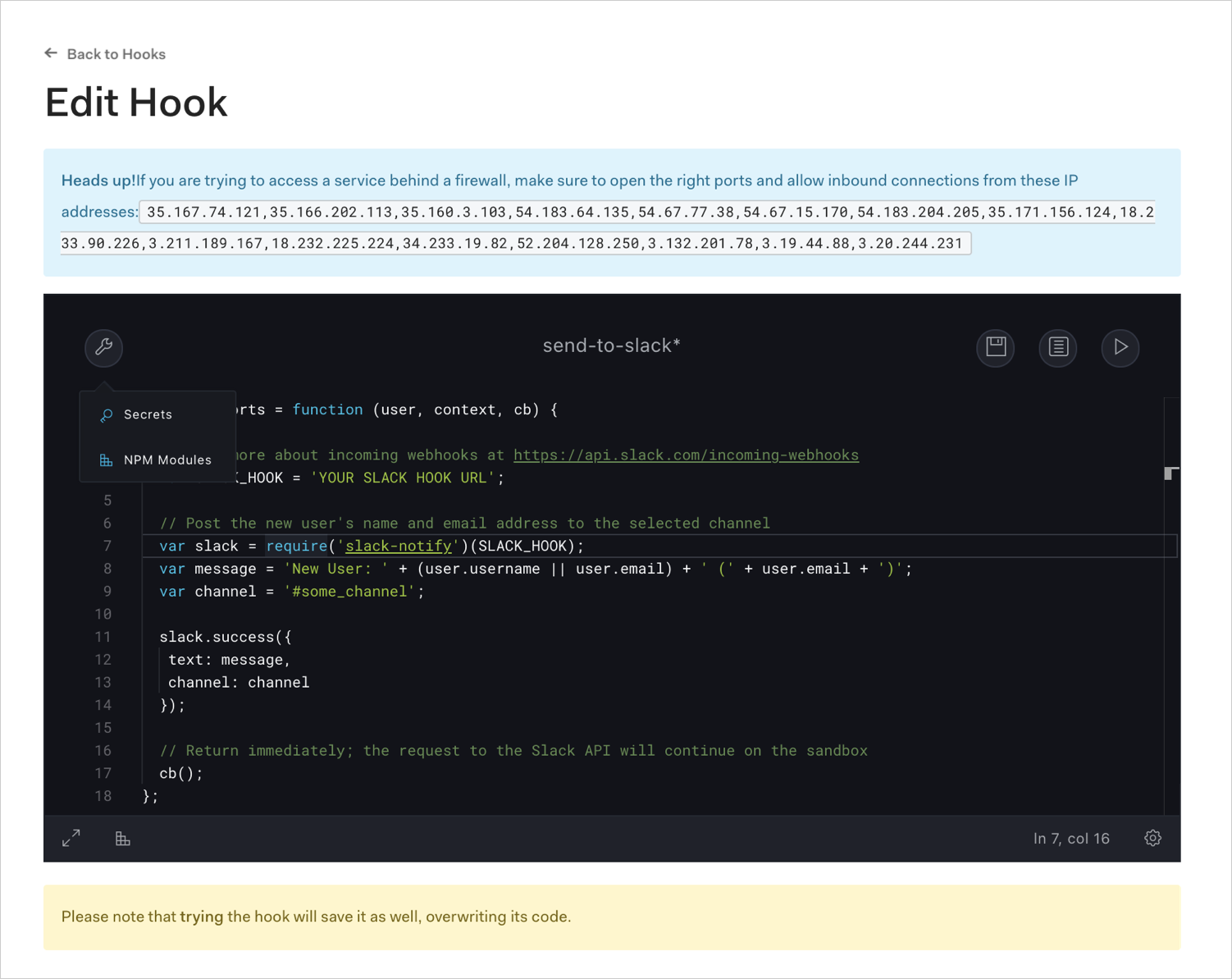
View Logs for Hooks
View real-time logging output for an Auth0 Hook from the Dashboard Hooks Editor to inspect execution and troubleshoot behavior.
From the Dashboard, you can view real-time logging information for hooks (and also rules, actions, custom database scripts, and custom social connections).