

-
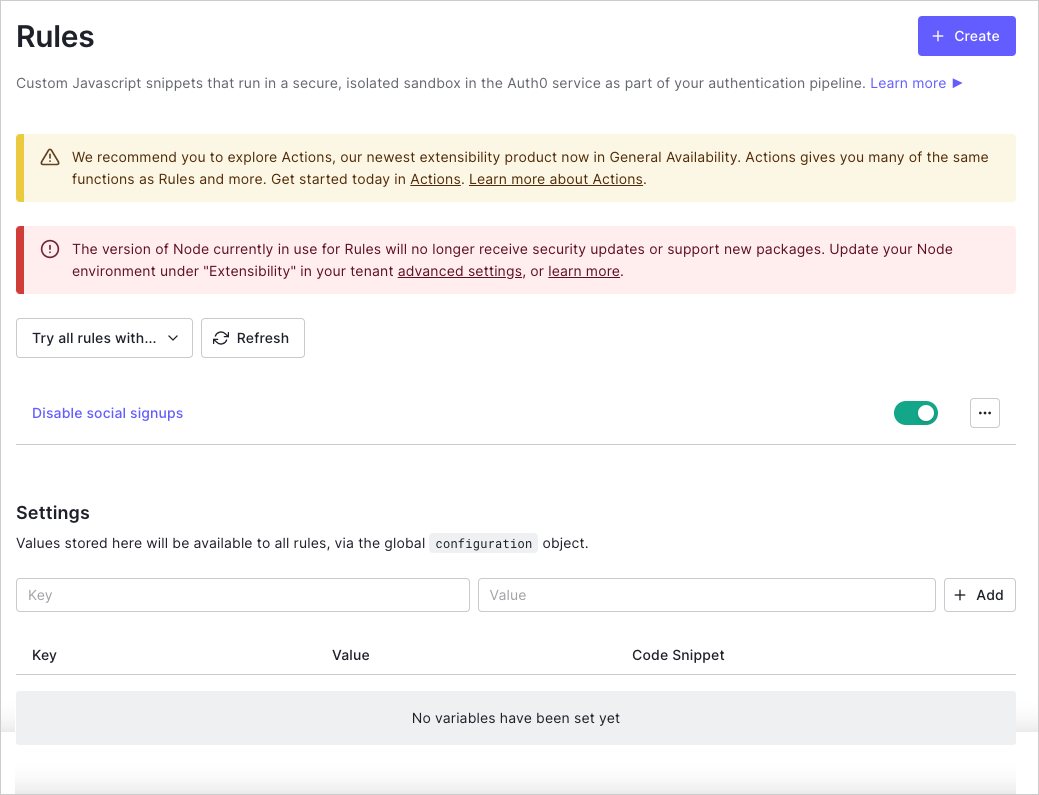
Go to Auth0 Dashboard > Auth Pipeline > Rules and locate the Settings section.
-
Enter a variable key/value pair, and select + Add.
The entered value is now available to all rules via the global
configurationobject and can be referenced using the value in the Code Snippet column.
Configure Global Variables for Rules
Describes how to configure global variables for rules using the Auth0 Dashboard.
You can configure global variables for rules using Auth0’s Dashboard. To learn more, see Auth0 Rules.