

 Authenticate
 Manage Users
 Customize
 Auth0 AI
 Platform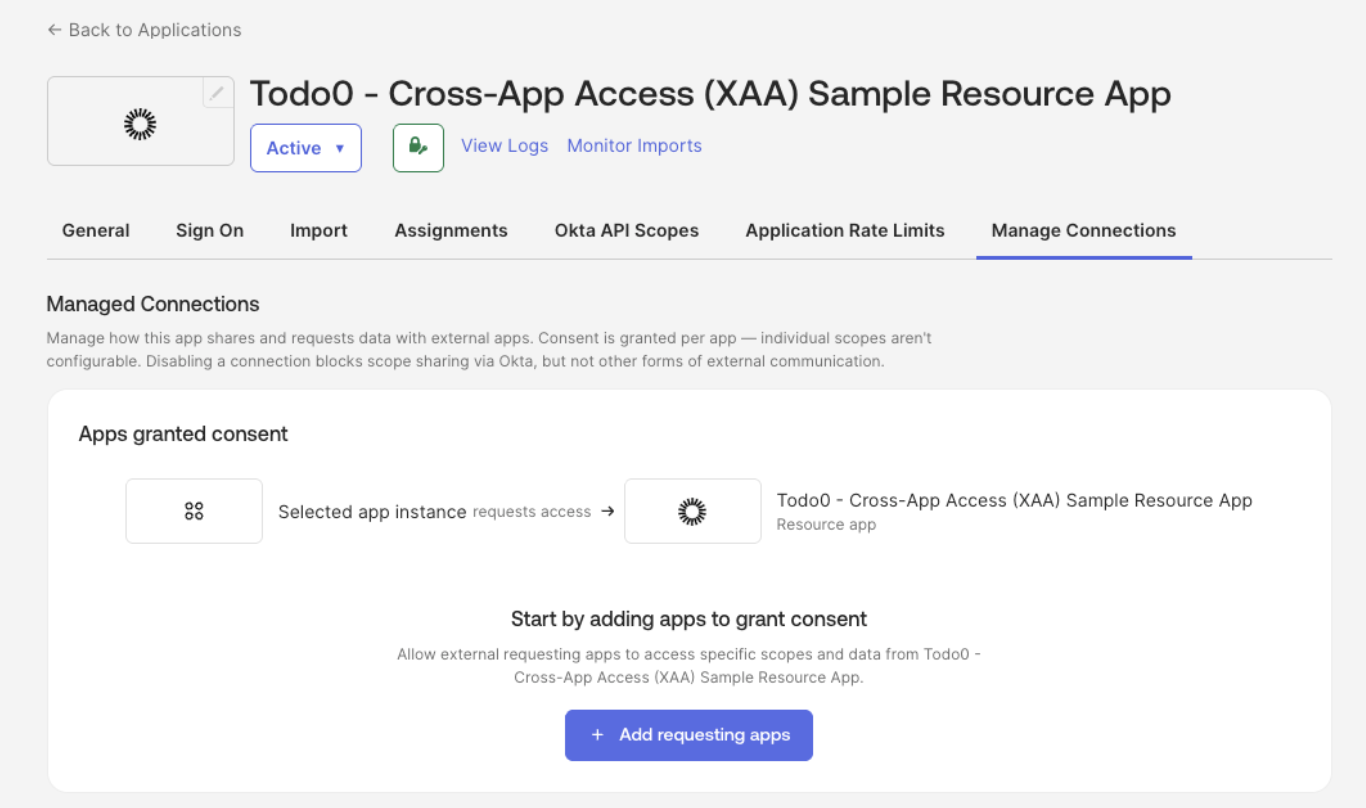
- Navigate to Applications > Applications and select your Resource App (e.g. Todo0).
- Under the Manage Connections tab, add:
- Requesting Apps: applications that can connect to your SaaS application
- Resource Apps: applications your SaaS application can connect to